Facebook Lite
Facebook Lite, a streamlined social app for low-end devices

Safe & Secure

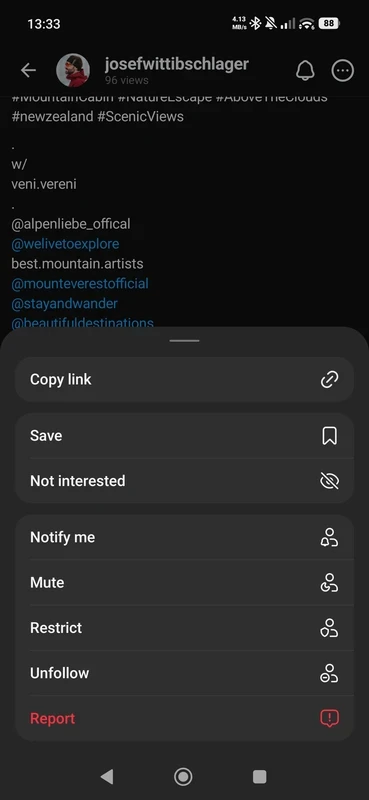

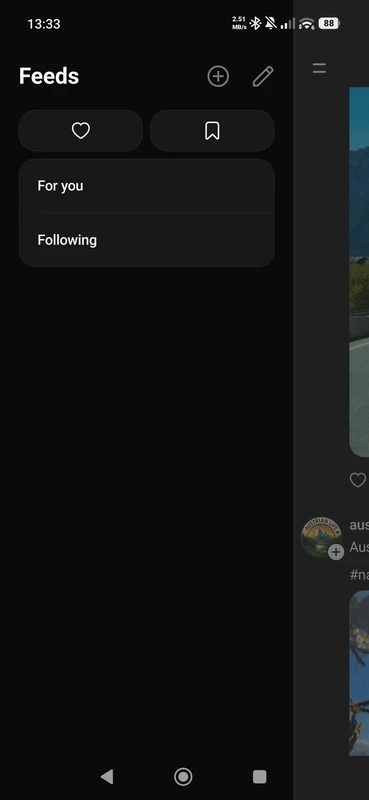
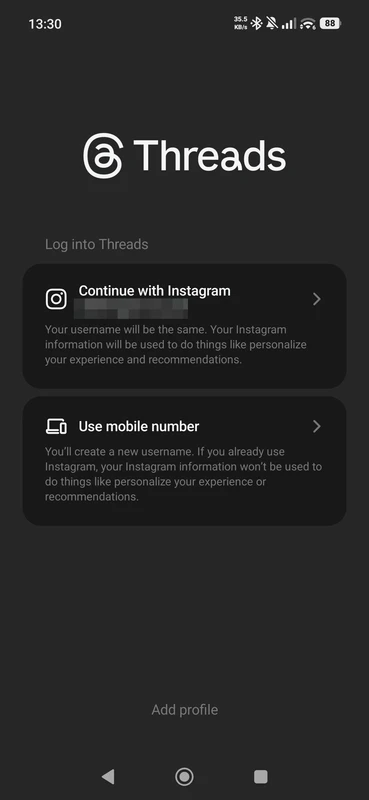
Threads is an exciting social media platform to enable the users post short text and engage in quick conversations. The microblogging app helps you move quickly while focusing on public discussions to stay in touch with new trends and current matters. It is the best alternative to multiple microblogging apps such as Twitter.
The simple and easy-to-use interface helps you share your ideas, discuss matters of the same interest, and also explore new ideas as well. The feature-rich app offers both types of conversations: casual updates and live event chatter. The entire environment is end-to-end encrypted, so you can reliably discuss any type of matter.
Also available for: Windows
Threads is a powerful microblogging app developed by the Instagram Team, as part of Meta. As the app is connected to Instagram, you can access different familiar profiles, share ideas, and join discussions while logging in to your Instagram account. It works similarly to other microblogging apps available on the Play Store, but consumes a lot of storage because of text-switching posts.
The cross-platform utility helps you upload short posts, take part in discussions, and give your opinions. It also allows you to join groups from any part of the world, avoiding restrictions, and is reliably useful for both professionals and novices while being easily navigated within the user-friendly interface.
The seamless integration with Instagram is one most prominent and unique features, as it enables users to import account data, profile pictures, and Instagram followers. When you sign in to the app, your Instagram username and verification badge will automatically be linked to the app. So, it is possible to follow the same accounts on both platforms. Your uploaded posts on Threads can also be shared on Instagram as well.
The simple and intuitive interface has the same style as Instagram, offering a clean design and muted colors. The app requires an Instagram account, as after installing the app, you are directed to sign in using your Instagram account. Complete sign-in, navigate to customize your profile, and select followers for interacting. The main homepage is embedded with new posts uploaded by the people you are following. You can use likes, comments, and reposts.
It is one of the key features to offer an exclusive platform for initiating new discussions or ‘threads’, articulating your thoughts and ideas. A best solution to allow the users express their feelings, and also control their account while allowing selected people to respond to their threads. You not only connect with your friends, but also interact with your favorite creators, facilitating engagement with conversations full of commentary, humor, and insights from admired creators.
Multiple privacy options are available within the app to allow users to control the entire interaction process, accepting as well as declining people to interact and post, using the advanced settings menu. If you aren’t satisfied, simply mute profiles instead of unfollowing or blocking problematic users. You can also use filters to hide replies containing specific words, phrases, or emojis by adding them to the blacklist.
You can grow communities using replies and recommendations, and explore creators and topics while following people of the same interests, jumping into discussions, and receiving alerts whenever a new thread starts by your favorite profiles. You can easily interact with any creator by giving a like, replying via DM, quoting the original text within your own comment, or simply reposting or sharing it on your own feed. It is possible to configure it to permit selected people to tag you. The integration with Instagram allows users to import their friend list for a quick start.
The app offers quick live events, sports, audio tracks, and culture, enabling users to take part quickly in the conversation of their interest. You are also allowed to upload your own post with up to 500 characters, and also add photos or videos up to five minutes in length. The post can be created on different aspects, including funny posts, sharing your ideas, or simply an opinion. Similar to other microblogging apps, users on the platform can create narrative threads and tell a long story, create step-by-step tutorials, or break down detailed opinions, embedding multiple consecutive messages.
The users are capable of enabling compatibility with the ActivityPub protocol, as it decentralizes communication with other servers. You only need to navigate to the account settings and activate the feature. It will enable you to showcase your public messages on compatible external platforms and enables to interact with users who don’t have the app installed on their device.
The availability of a smart notification system alerts users about any new activity on your account, including likes, comments, and new followers. You can customize the notification settings, controlling the alerts according to your requirements, regardless of from followers or suggested accounts. In addition, the regular updates offered by Meta help to enhance performance, adding new features and fixing privacy or security issues.
Pros
Cons

Facebook Lite, a streamlined social app for low-end devices

Facebook, is a large social hub to connect, share, and explore a new world

Instagram, capture and share your photos seamlessly

NS Follower, get limitless followers, likes, and comments

X (Twitter) is a socio-sharing platform to update you about the latest happenings across the world.

Twitter Lite is an official lightweight platform to gives you quick access to the most powerful social network.