

share, and discover the largest photo-sharing app
Threads is a versatile, newly developed social media microblogging platform, facilitating text-based conversation. It allows users to participate in the discussion via short text posts and also embed photos and videos as well. It is an Android app, but Windows users also have a native app available on the Windows App Store.
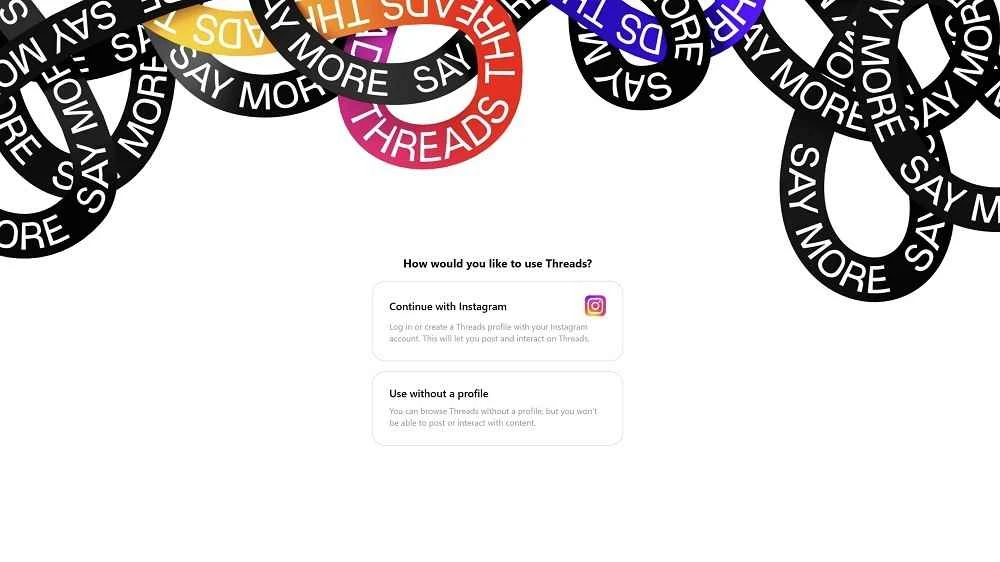
The innovative app is part of Instagram, allowing users to log in through their Instagram account and connect with their close friends, favorite creators, and build communities. You can add users who already have a Threads account.
What is Threads?
Threads is the official Instagram app, a popular image-based social media platform, created and managed by Meta, and was launched in 2023. It is the best competitor to X (Twitter), as offering services in over 100 countries. The real-time microblogging platform helps you share your ideas and chat with others with similar interests.
It offers a positive environment with innovative tools, customizable feeds, spam filtering, and reply management while reducing negativity. You can add text posts with up to 500 characters, images, and even a five-minute-long video as well.
Threads Features
Intuitive Interface
The user interface feels clean and intuitive with quick navigation, allowing users to access entire functionality. On the left side of the screen, the Threads menu is available, embedded with the Home button, the Search button, the Notifications button, and the Account button. On the dashboard, you will find a list of threads, offering a title and brief description for each thread. Access the discussion page of a thread by simply clicking on any specific thread, and read and respond to comments. The cross-platform compatibility ensures a consistent user experience for all devices, including desktop, web, and mobile phones.
Instagram Integration
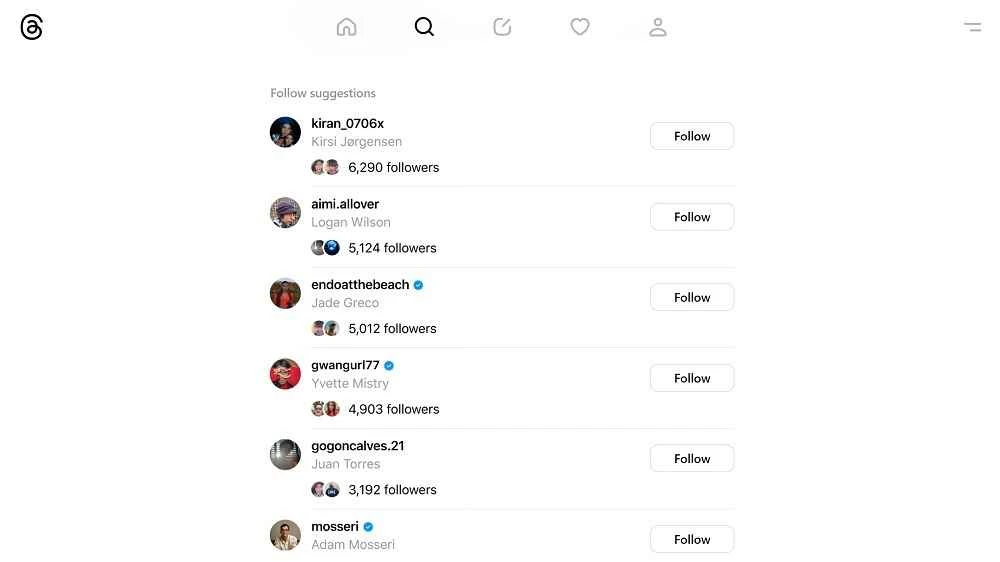
Creating an account on the app is quite easy, as the integration with Instagram allows users to link their Threads account with Instagram using the same credentials. However, you can keep your own username and follow all the people available on Threads. You can select people to interact with on Threads. Similar to Twitter, here you can also connect with your own community as well as foreign users.
Safe to Use
The app offers entire simple to use functionality, allowing users to limit followers or mentioned users for responding to posts. It is possible to select profiles of your interest and use a dedicated Media tab to browse photos and videos shared across the platform. It is possible for users to contribute contextual information to their posts, using a Community Notes-like fact-checking feature. The support for custom feeds on the web is now synced with mobile. It simplifies navigation for saved posts and offers innovative tools, such as image markup and multi-column layouts for enhancing content creation. It is also possible to streamline your account setup while importing follow lists from other platforms.
Seamless Interaction
The app offers seamless interaction between users, as you can interact with newly uploaded post content in different ways, including liking it, reposting it, or leaving a comment to respond to it. You cannot only repost others posts, but also create your own posts from scratch, using text, photos, and videos. You can share links in both ways, including in replies or for new posts as well, to make your interaction strong and rich. However, the text post is limited to 500 characters.
Advanced Privacy Settings
The availability of multiple advanced privacy settings helps users to maintain their online privacy according to their preferences. So, it is possible to limit the users to view or comment on your post, block unwanted users, mute, or even restrict accounts if you don’t want to interact with them. In this way, you can control your entire social interaction. Moreover, you can capture a screenshot of any post of your favorite person, as the app doesn’t alert users for such activities.
Versatile Platform
The app, with an awesome combo of conversational immediacy and user-driven moderation, focuses on engagement, offering multiple innovative features, such as reposts, a translation tool, and seamless editing capabilities. Moreover, the expanded analytics options help users to optimize their content strategy while tracking their interactions. The versatile utility with real-time discussions addresses multiple modern challenges, including AI-generated content.
Direct Access
The lightweight Web app is available through the Microsoft Edge engine, enabling users to use a native Windows app for direct access to social media platforms. So, you will capable of always log in, even through your web browser. The direct access and a specific window offer adaptable capability automatically, according to the configured Windows theme, whether it is light or dark as well.
Pros
- Fully integrated with Instagram account
- Offers complete familiarity with the Instagram interface
- Streamlines community discussion through text posts
- Simple and clean interface
- Supports advanced privacy settings
- Cross-platform and free to use
Cons
- Compared to Twitter has limited functionality
- Requires Instagram user accounts